Image Formatting for Ebook
Image Formatting for Ebook
If your ebook includes images, they need to be formatted carefully.
Unlike print, images in ebooks must adapt to different screen sizes.
Use Images Only When Needed
Not all ebooks require images.
Common use cases:
- Children’s books
- Comics or graphic novels
- Nonfiction (charts, diagrams, references)
If your book doesn’t need images, it’s often better to leave them out.
Use the Right Image Format
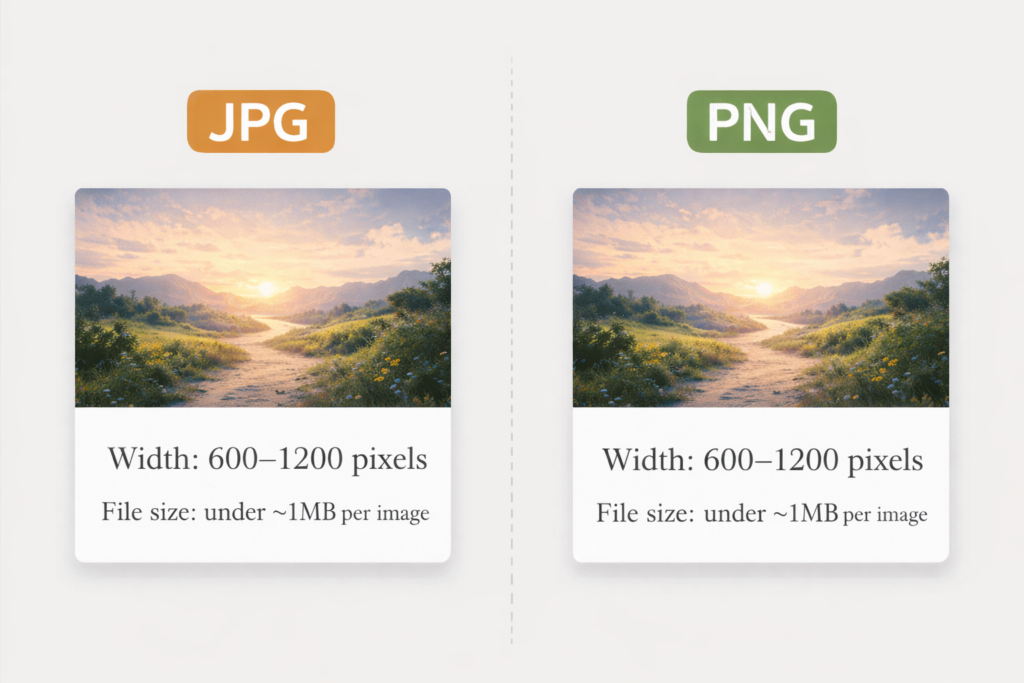
Stick to standard, widely supported formats:
✅ Use:
- JPG (most common)
- PNG (for sharp graphics or transparency)
❌ Avoid:
- TIFF
- BMP
- Uncommon or proprietary formats
These may not display correctly across all devices.
Keep Image Sizes Reasonable
Large images can cause problems in ebooks.
Aim for:
- Width: 600–1200 pixels
- File size: under ~1MB per image
Oversized images can:
- Slow loading
- Increase file size
- Cause scaling issues
Insert Images Properly
Images should be placed simply within your document.
How to insert:
- Place your cursor where the image should go
- Insert → Image
- Keep it centered on its own line
❌ Do NOT:
- Wrap text around images
- Float images left or right
- Use complex layouts
These often break on smaller screens.
Keep Alignment Simple
Always keep images:
- Centered
- On their own line
- Surrounded by consistent spacing
Simple placement leads to consistent display.
Avoid Text Inside Images
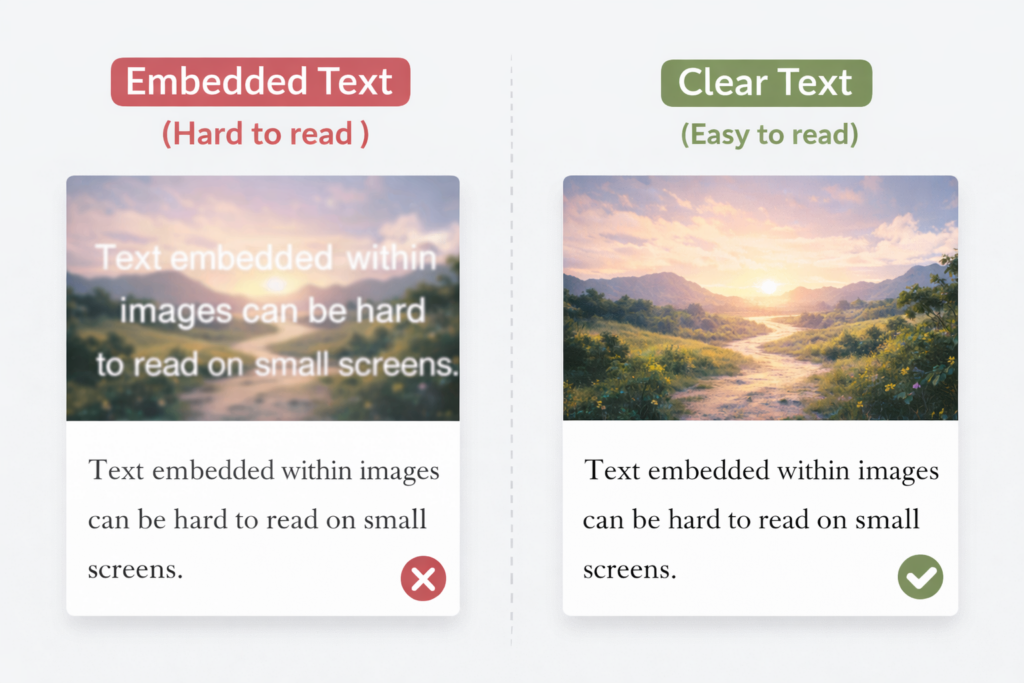
Text embedded in images can become unreadable.
Why:
- Screens vary in size
- Fonts don’t scale inside images
If text is necessary, keep it large and minimal.
Use Consistent Image Sizing
All images should feel uniform.
Keep consistent:
- Width
- Alignment
- Spacing
Inconsistent image sizing looks unpolished after conversion.
Check Image Spacing
Make sure images don’t create awkward gaps.
Look for:
- Large blank areas above or below images
- Uneven spacing between text and images
Adjust spacing to keep everything balanced.
The Goal
Images should:
- Display clearly
- Scale properly
- Not disrupt the reading experience